Zapier Integration for SimplyBook.me
Connect SimplyBook.me with Zapier to automate your booking workflows. Automatically send booking data to your CRM, notify your team, and trigger actions across your tools automatically, without coding.
How the Zapier integration works
The Zapier integration for SimplyBook.me lets you build automated workflows between your SimplyBook.me appointment scheduling software and the other apps you use.
When something happens in SimplyBook.me — a new appointment, a payment, a cancellation — Zapier picks it up and passes it on.
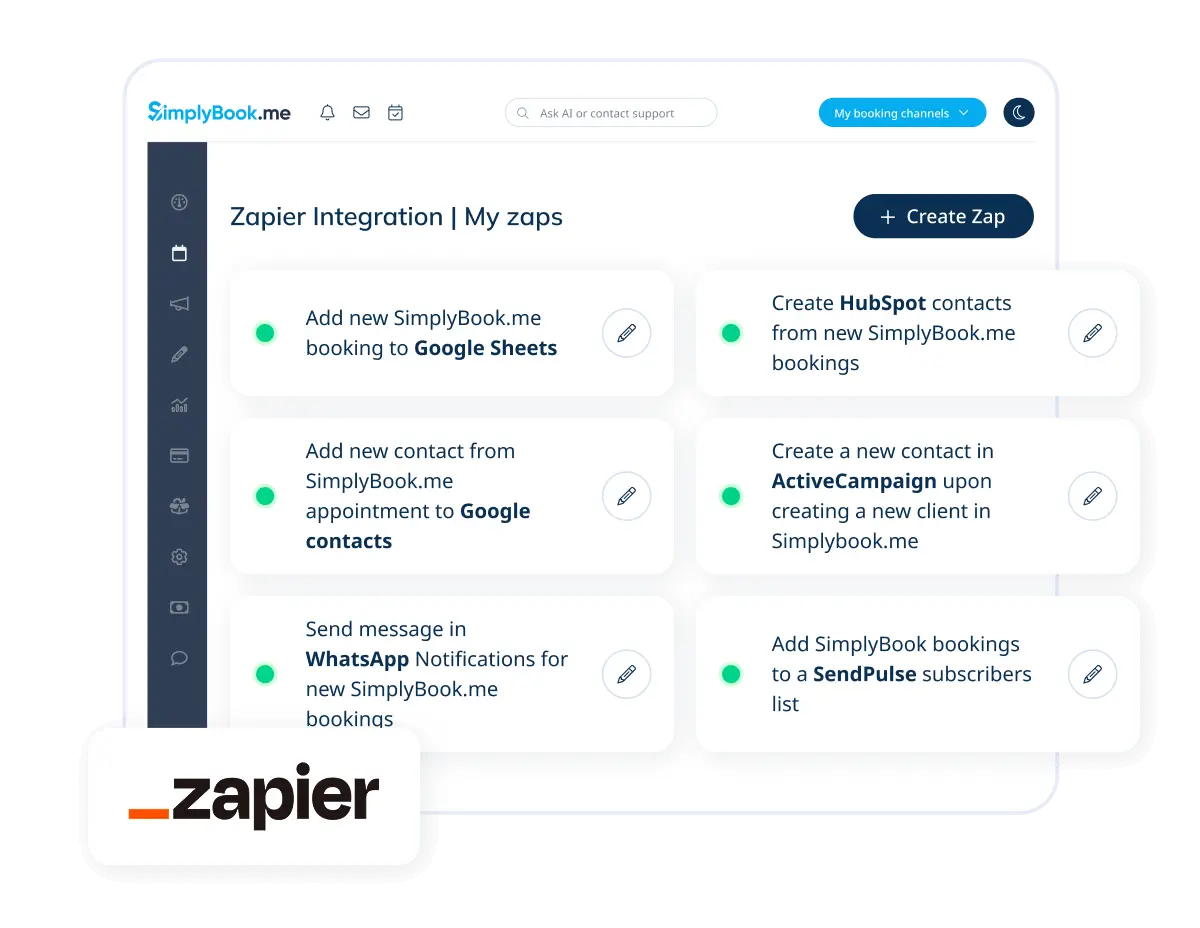
The integration works in both directions, allowing data to move between SimplyBook.me and your other tools automatically. No coding, no manual exports, no copy-pasting between tools.
- Keep your CRM up to date with every new booking and client
- Send notifications to your team when appointments are confirmed or changed
- Add new clients from forms, ads, or other platforms directly into SimplyBook.me
- Connect to thousands of apps in the Zapier ecosystem
Triggers and Actions
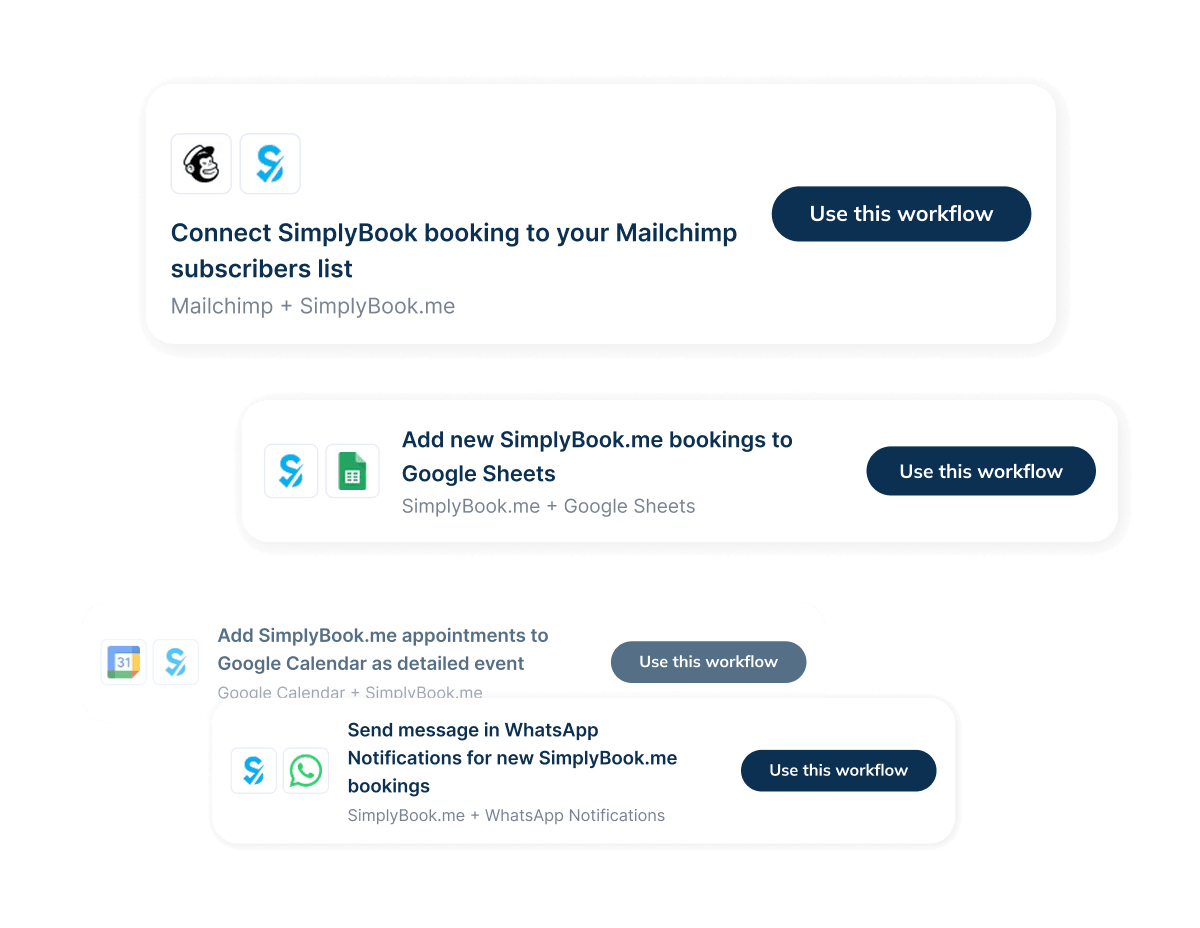
The integration works in both directions. Use triggers to pass booking data to other apps, or use actions to make things happen inside SimplyBook.me from an external event. Build complete, two-directional booking automation workflows
TRIGGERS
When something happens in SimplyBook.me
These events in SimplyBook.me can start a workflow in Zapier and pass data to any connected app.
-
A new booking is created
-
A booking is updated or rescheduled
-
A booking is cancelled
-
A new client is added
-
A payment is confirmed
-
A new invoice is created
ACTIONS
Take action inside SimplyBook.me
These actions can be performed inside SimplyBook.me when triggered by an event in another app.
-
Create a new client
-
Retrieve client information
-
Create a new booking
-
Retrieve booking details
-
Cancel a booking
Common booking automation workflows
A few common ways service businesses put the SimplyBook.me Zapier integration to work.
Lead form submitted
Create a client in SimplyBook.me
When someone fills in a contact or lead form, a client profile is created in SimplyBook.me automatically.
Payment confirmed
Send a Slack notification
Your team gets a Slack message the moment a payment goes through. No need to check the dashboard.
New booking created
Log it in Google Sheets or your CRM
Each confirmed appointment is recorded in your spreadsheet or CRM without any manual step.
External cancellation
Cancel the booking in SimplyBook.me
If a client cancels through another tool, the booking in SimplyBook.me can be cancelled automatically.
Business Tools Frequently Used with SimplyBook.me
Through Zapier, SimplyBook.me connects to thousands of apps. Here are some of the most commonly used alongside the booking system:

Slack

Gmail

Mailchimp

Salesforce

Outlook

Zenkit

Invoiceberry
...and many more
How to Connect SimplyBook.me with Zapier
Our help center has step-by-step instructions and a video walkthrough.
Step 1/
Authorize the connection
Use the direct authorization flow in SimplyBook.me. If you prefer, manual connection via your company login and API key is also available.
Step 2/
Select the app to connect
Pick from thousands of apps in the Zapier ecosystem: CRMs, email platforms, spreadsheets, communication tools, and more.
Step 3/
Choose a trigger or action
Decide what starts the workflow (a booking event, a new client, or a payment) or choose what happens inside SimplyBook.me.
Step 4/
Activate the workflow
Map your data fields and activate the Zap. From that point on, your booking workflows run automatically.
Start automating your bookings with
SimplyBook.me and Zapier
Set up the Zapier integration for SimplyBook.me and automate how your booking data moves between your tools.